
Version 2, built from your feedback
Contractor’s easy navigation, Noir and Atelier’s look, Atelier’s menu bar, and a free-quote form one tap away on every page. Start with Toha Classic: it keeps Contractor’s layout exactly. The other six try different ways to get visitors to the form.
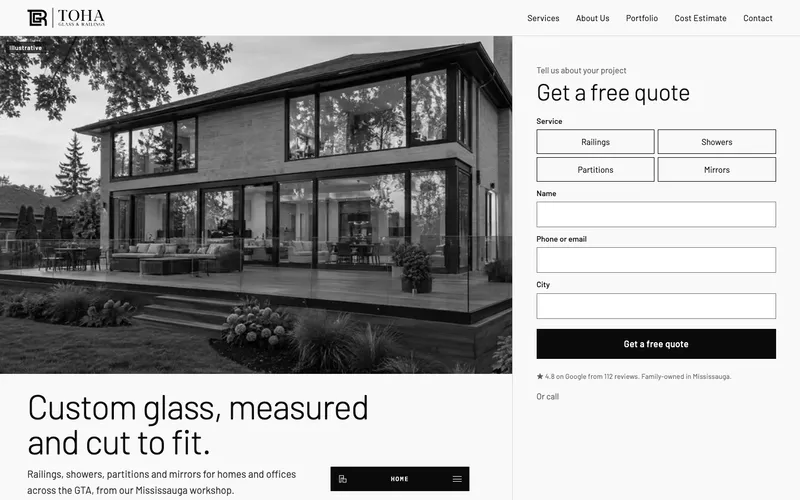
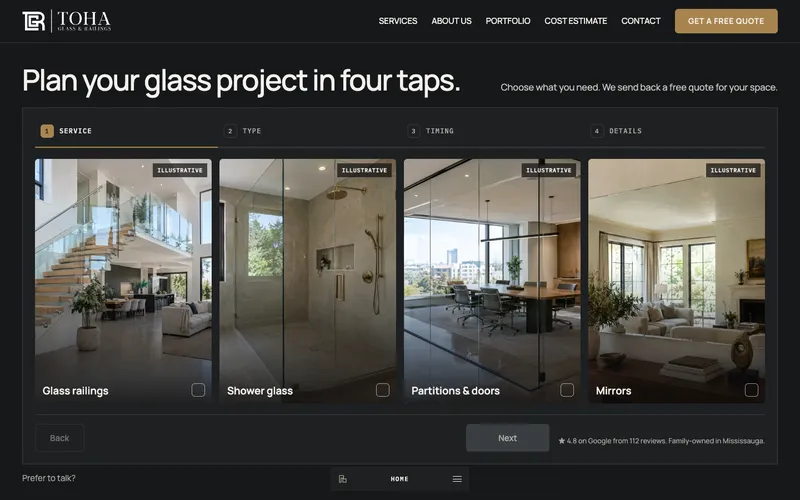
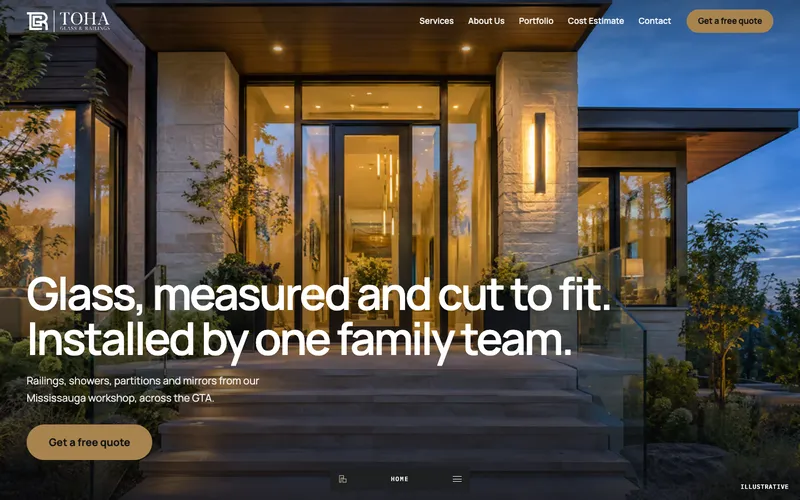
Seven homepages built from your feedback
Every Version 2 concept keeps Contractor’s pages, menu and service structure.
Contractor’s Jakarta and copper are replaced with Atelier and Noir type and palettes.
A form in the hero, a quote rail that follows you, a four-tap builder, or one button that opens the form.
All 27 pages, the cost estimator and Toha’s real services, reviews and photos.
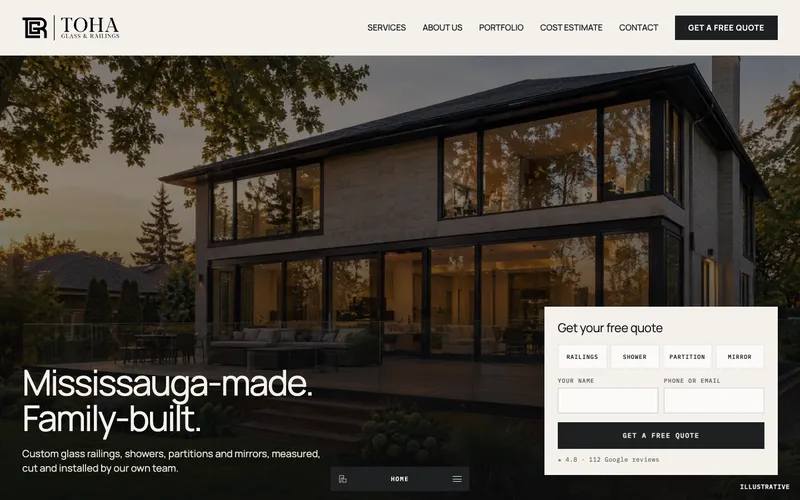
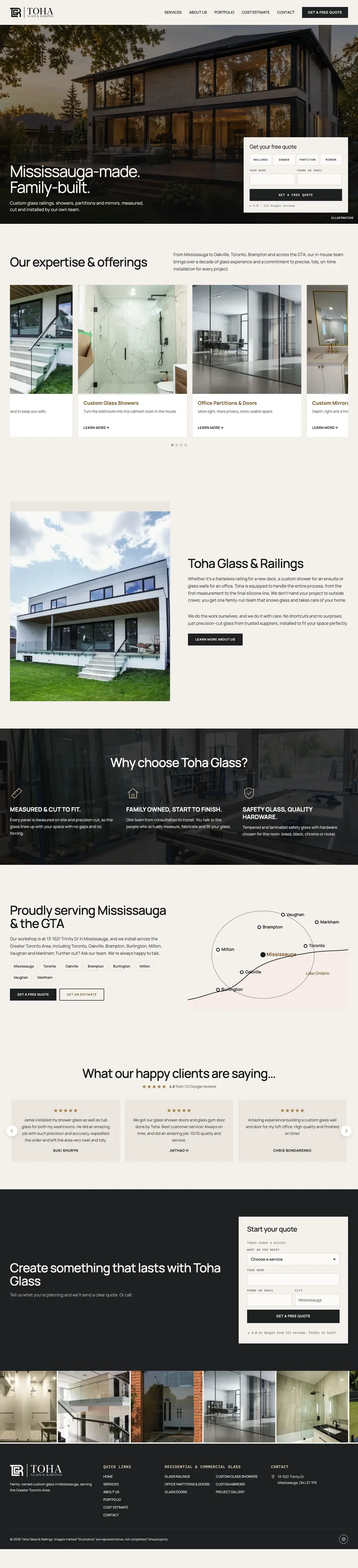
Toha Classic
Contractor’s layout, Atelier’s look
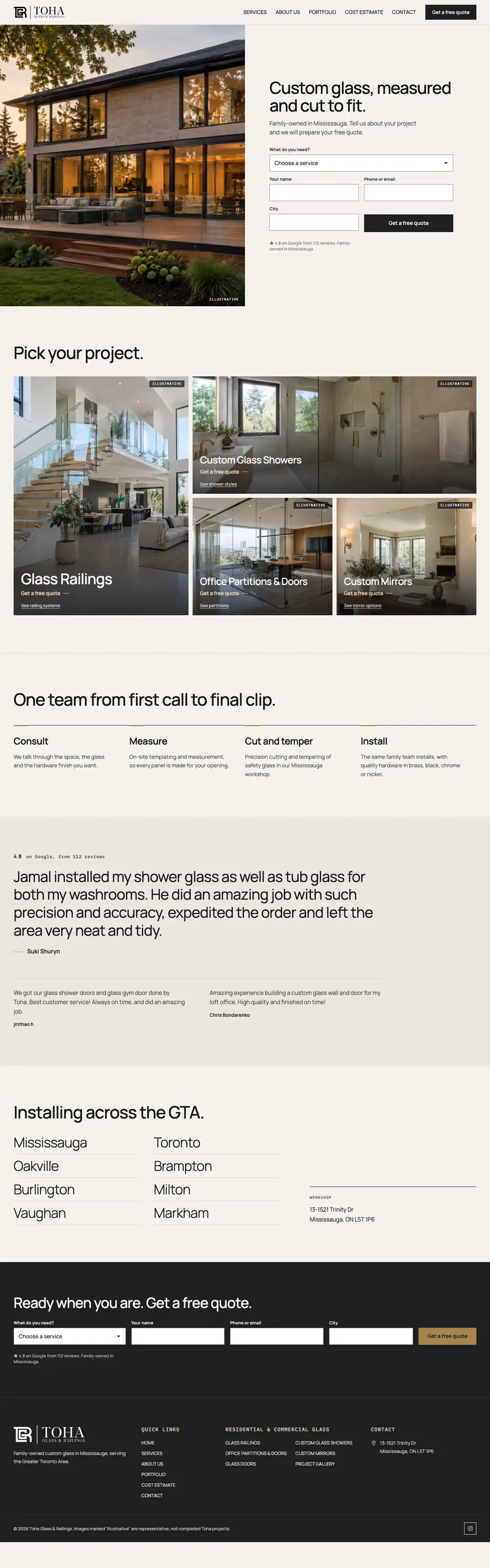
The concept you found easiest to navigate, kept section for section: services carousel, about, why Toha, the GTA map and reviews. Restyled in Atelier’s paper, graphite and brass, with Atelier’s menu bar and the quote form on the first screen.
- Same pages, menu and sections as Contractor
- Atelier fonts and colours, no copper
- Atelier menu bar on every page
- Quote form in the hero and again at the end
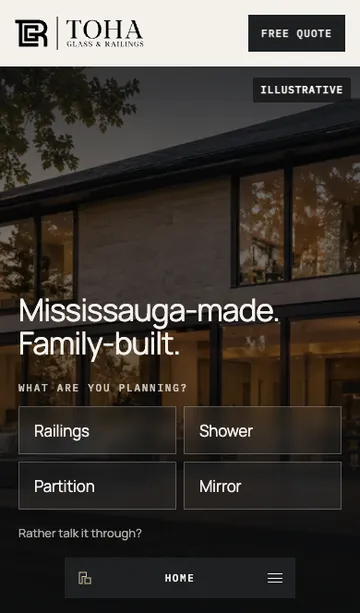
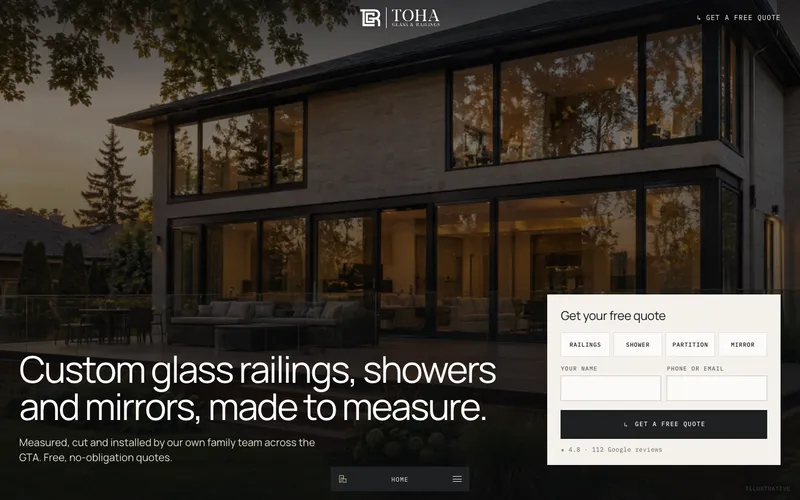
Atelier Quote
Atelier, rebuilt to convert
The Atelier style you liked, kept as it is, with a hero that sells: a clear headline about what Toha makes, and the quote form right on the first screen. Tap a service, add a name and number, done.
- Quote form in the hero, with reviews and phone
- One-tap service picker
- Quote band after the services, and a form at the end
- Atelier’s menu bar, layout and motion unchanged
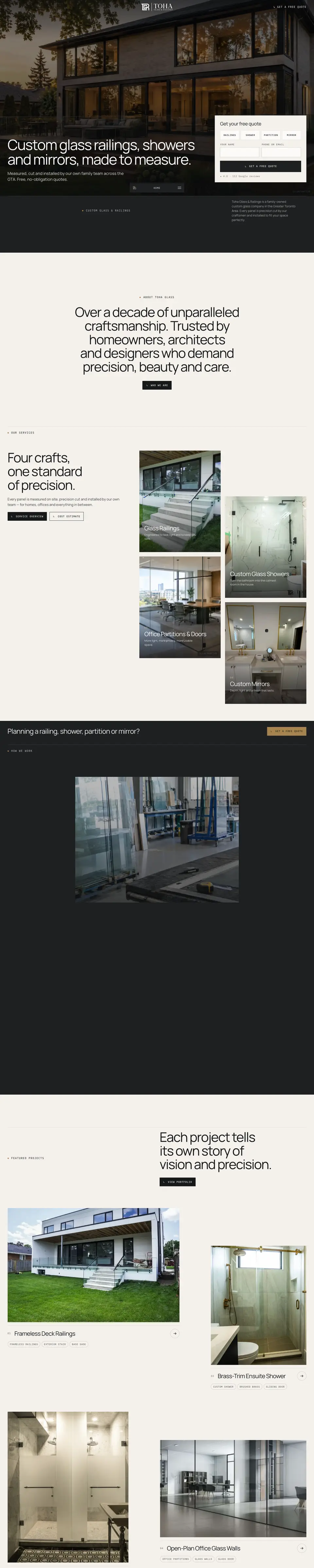
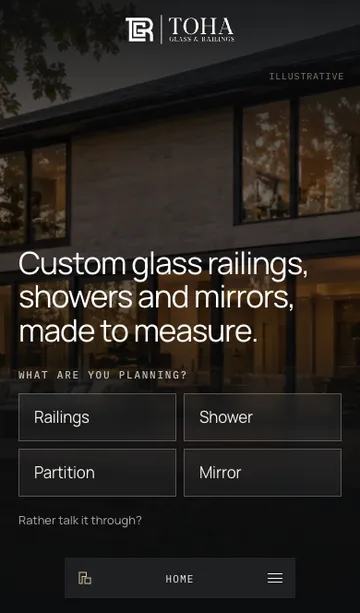
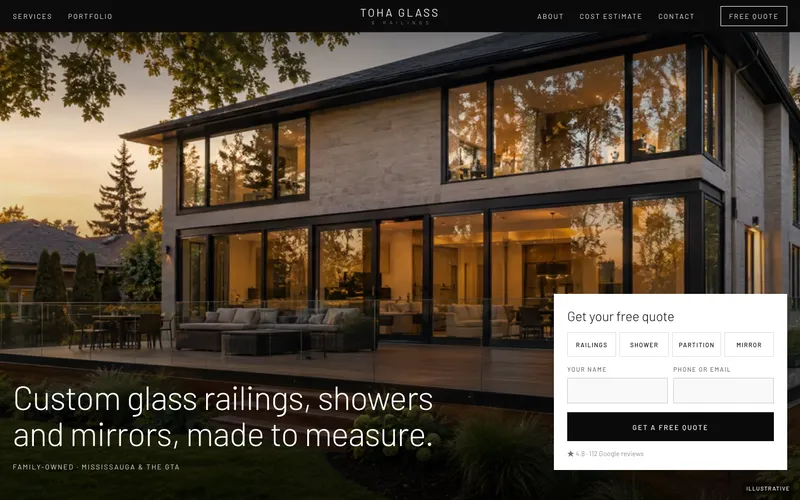
Noir Quote
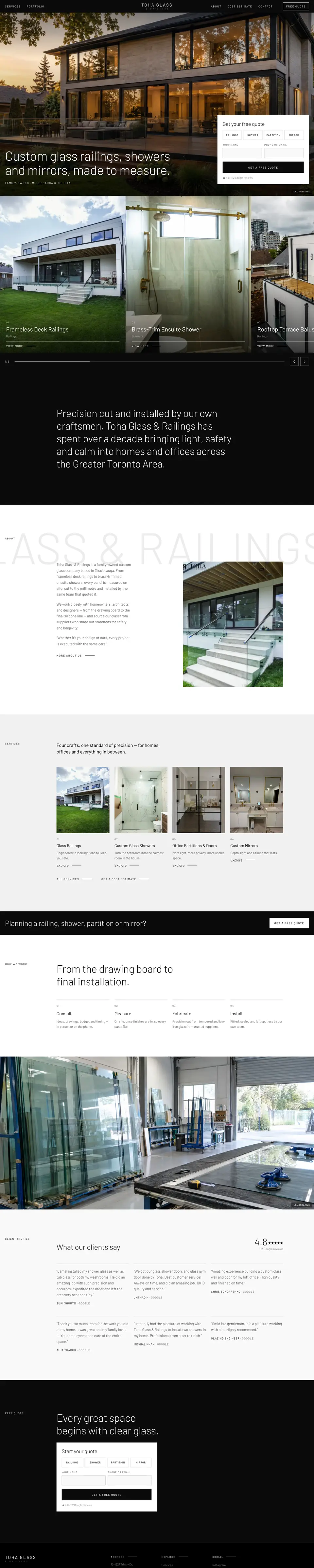
Noir, rebuilt to convert
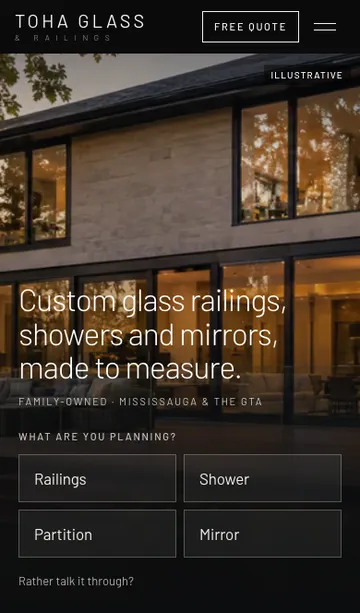
Noir’s black-and-white gallery style, kept as it is, with a hero that sells: a clear headline about what Toha makes and the quote form on the first screen. A “Free quote” button sits in the header on every screen size.
- Quote form in the hero, with reviews and phone
- One-tap service picker
- “Free quote” button in the header
- Quote band after the services, and a form at the end
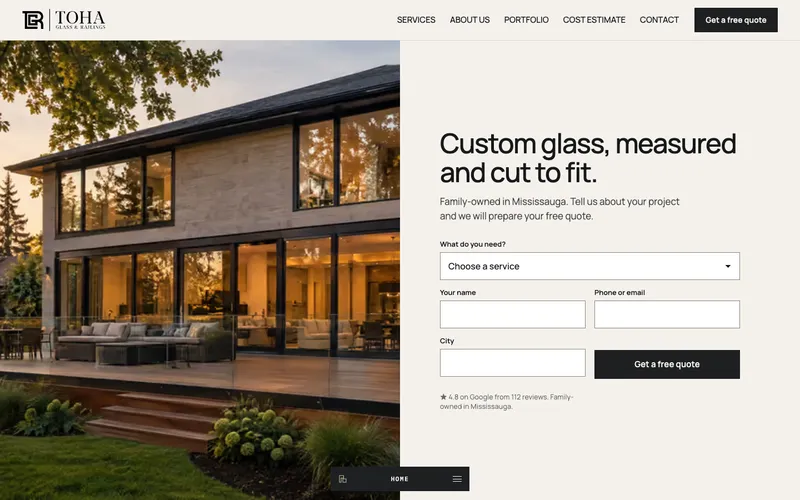
Direct Split
Half photo, half quote form
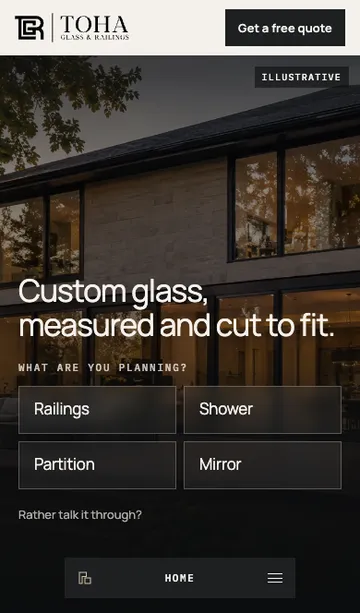
The first screen is split in two: a photo on one side and the quote form on the other, so visitors land on the form. Tap a project photo below and the form fills in that service for you.
- Quote form in the first screen
- Project tiles that pre-fill the form
- Four-step process strip and one big review
- Atelier pill menu on phones
Direct Gallery
Photography first, quote always in view
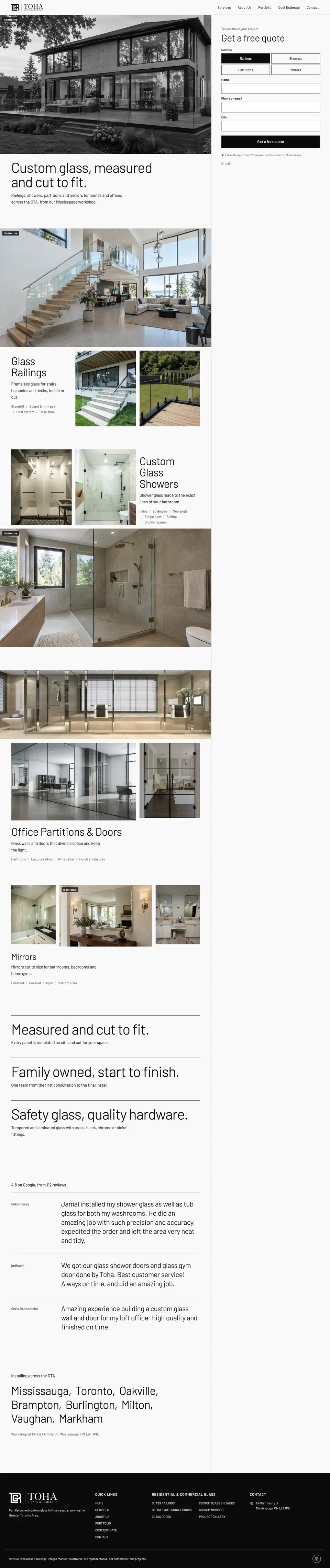
A black-and-white gallery of Toha’s work, with a quote form that stays on screen as you scroll. On phones it slides up from the bottom menu.
- Sticky quote rail that follows the page
- Headline changes to match the project in view
- Photos ease from grey to colour on hover
- Bottom-sheet quote on phones
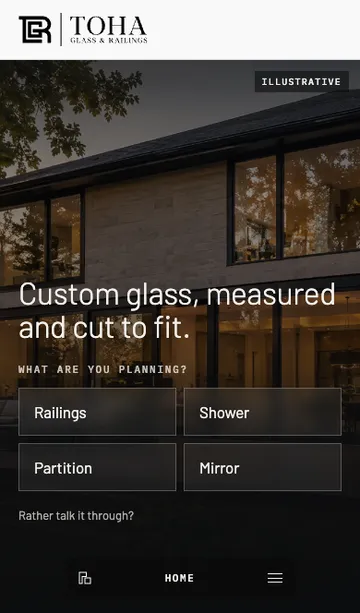
Direct Builder
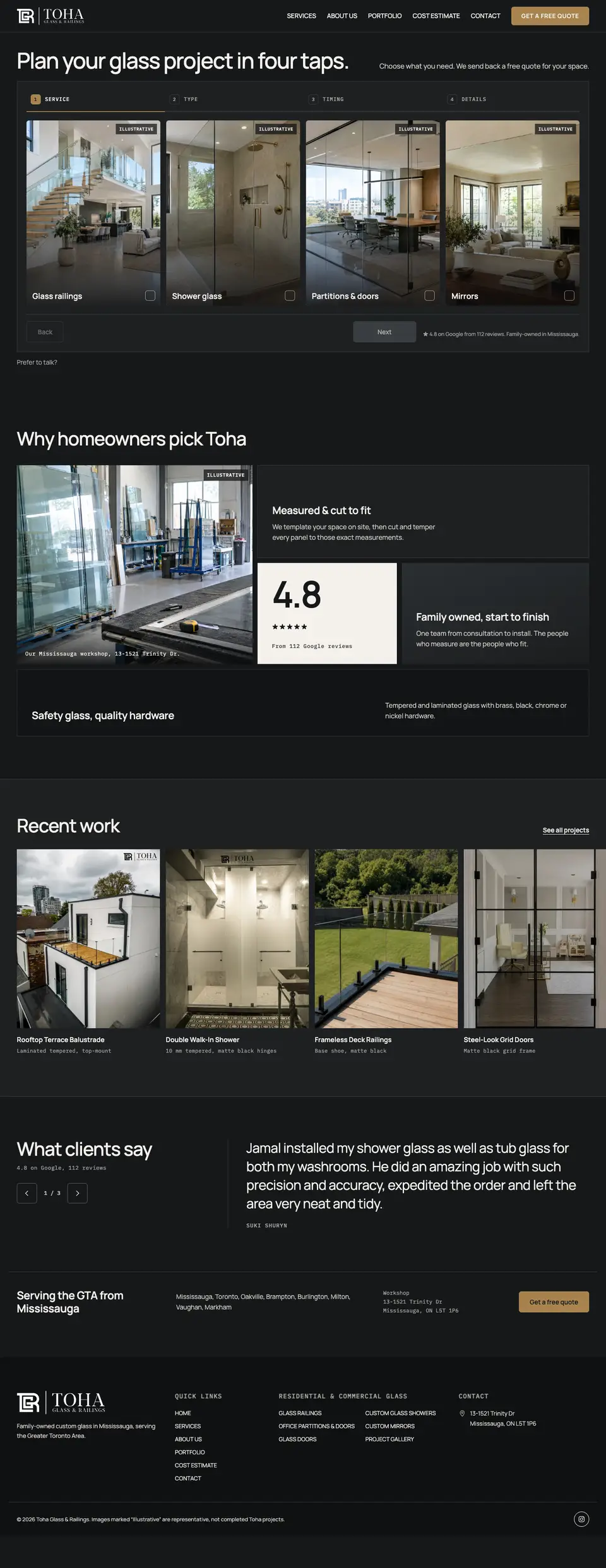
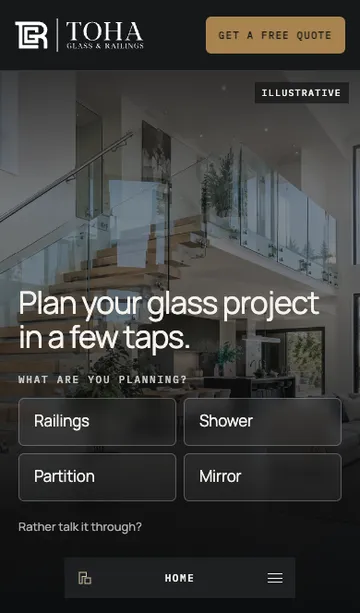
The quote is the homepage
No hero photo: the first screen is a four-tap quote builder. Pick a service, then type, timing and your details. It feels like planning a project, not filling in a form.
- Four-step builder with photo tiles
- Options change for each service
- Bento of reasons, recent work row, review slider
- Dark graphite with brass actions
Direct Story
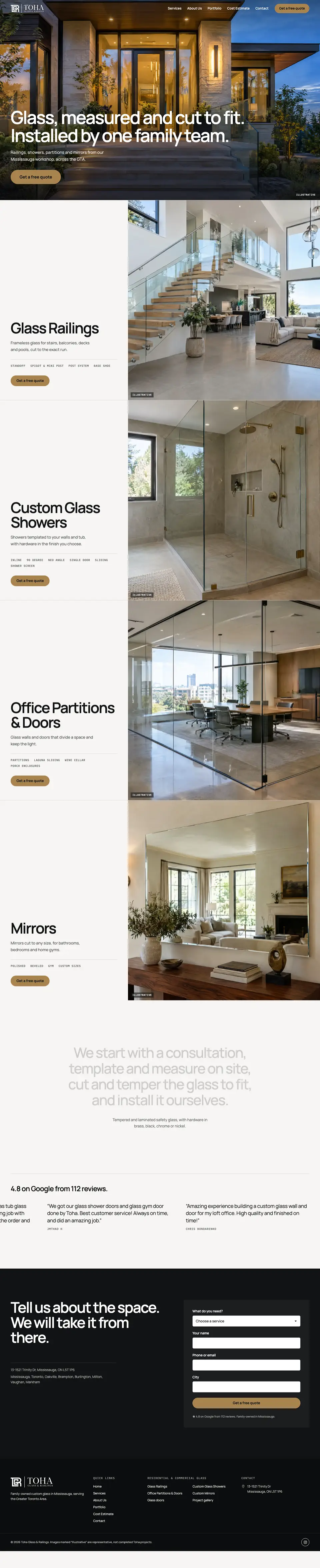
Cinematic scroll, one button
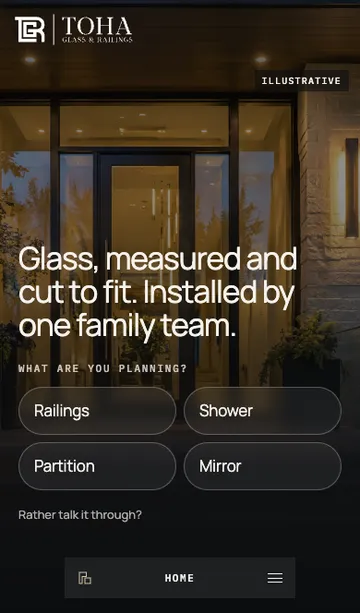
A full-screen photo with a single “Get a free quote” button that expands into the form. Each service then fills the screen in turn, with its own quote button.
- Button that opens a side quote panel
- Full-screen service panels that stack on scroll
- One review marquee and an inline final form
- Floating quote dock on desktop
Looking for the first six concepts?
Atelier, Noir, Studio, Classic, Contractor and Architect are still live, with the comparison table. Open Version 1 →
Pick a direction — we’ll tailor it to Toha
- Choose a concept (or mix: e.g. Atelier’s look with Contractor’s call bar).
- Refine copy, photos and colours with the Toha team.
- Connect the quote and estimator forms to Toha’s inbox and launch.